

You hit send. Then panic sets in. Did you mean to send that? Can you take it back?You’re not alone, this happens to everyone. So, can you delete a text message? Yes, though what happens next depends on your device.
This guide covers how to delete a text message that was sent, whether it disappears for the other person, and exactly what to do on iPhone, Android, Samsung, and Google Messages, so you always know where you stand.
Can You Delete a Text Message?
Yes, deleting a text message is always possible on your own phone, that part is simple. The real question most people mean to ask is whether can you delete a text message from both sides, and that answer depends entirely on the app you’re using.
- Regular SMS deletion only removes the message locally
- iMessage, RCS, and Google Messages can sometimes remove it for everyone
- Time limits usually apply, so speed matters
If You Delete a Text Message, Does It Delete for the Other Person?
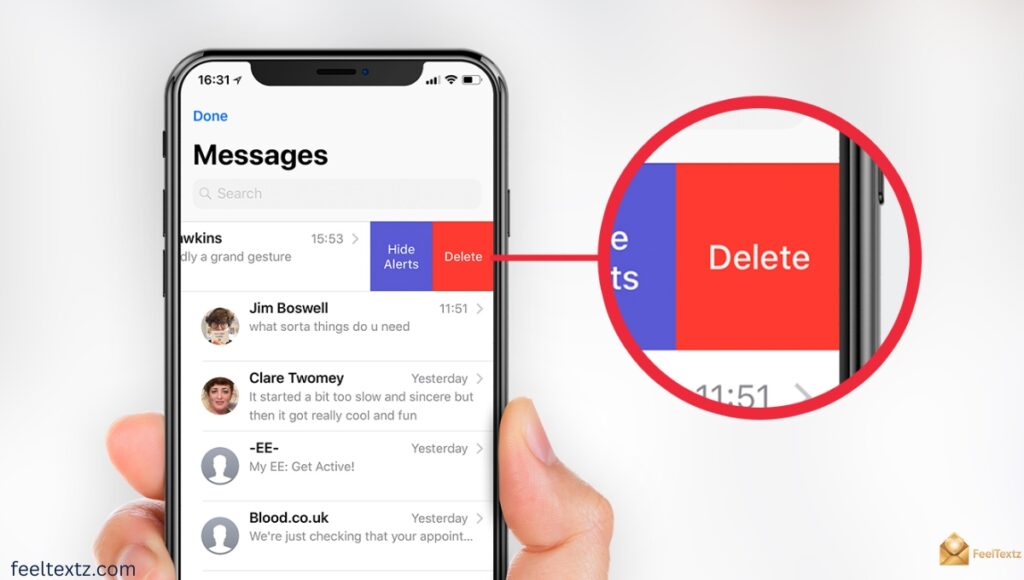
Not always. If you delete a text message does it delete for the other person depends on whether both of you are using a messaging feature built for it, like iMessage’s Unsend or RCS’s “Delete for everyone.”
Plain SMS doesn’t have this ability. Once an SMS lands on someone else’s phone, it’s stored there independently, and does deleting a text delete it for the other person in that case, the honest answer is no.
Can You Delete a Text Message From Both Sides
- Works with iMessage-to-iMessage chats
- Works with RCS-to-RCS chats (Google Messages/Samsung Messages)
- Doesn’t work with green-bubble SMS or MMS
- Doesn’t work once the recipient has read and closed the message on older systems
How to Delete a Text Message That Was Sent
Deleting a sent message takes just a few taps, but the outcome changes based on timing and app type. Below are the most common scenarios people search for.
- Can you delete a text message you sent, yes, from your own device instantly
- Can you delete a text message after you send it, yes, but “for everyone” only within a short window
- Can you delete a text message before someone reads it, this is your best chance of full removal
- Can you delete a text message you sent to someone, locally always; for both sides only with unsend/RCS
Can You Delete a Text Message Before Its Read
If the recipient hasn’t opened the message yet, unsend or delete-for-everyone tools are far more likely to work. Once it’s read and synced, most systems still remove it from the thread, but there’s a small chance of it appearing briefly before disappearing.
Can You Delete a Text Message on iPhone
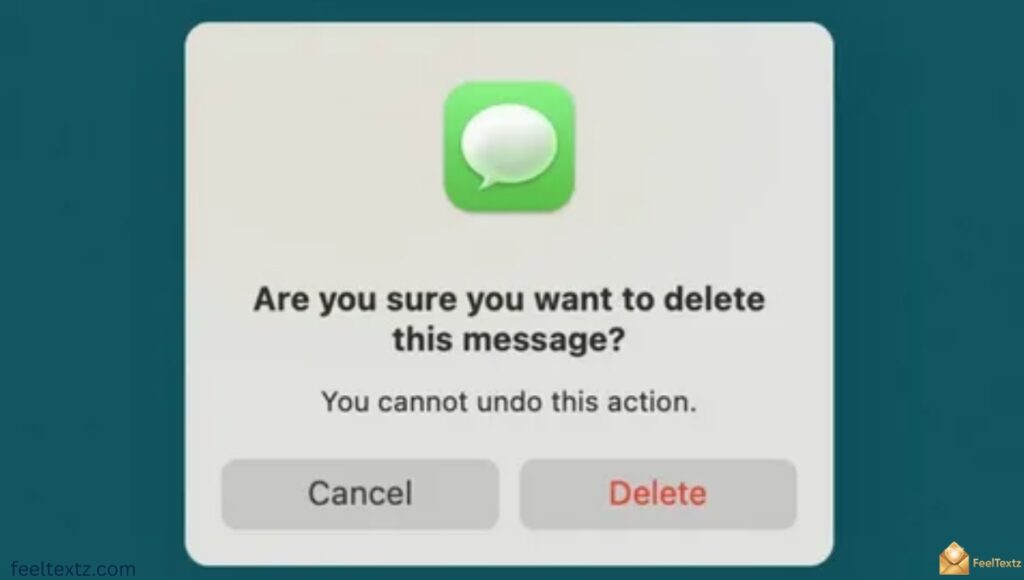
On iPhone, delete text message on iMessage conversations is the easiest case. Apple’s Messages app lets you tap and hold a bubble, then choose Undo Send within about 2 minutes, or Remove for everyone within a slightly longer window depending on iOS version.
Steps:
- Tap and hold the message bubble
- Choose “Undo Send” or “Remove”
- Confirm, it disappears from both devices (iMessage only)
How to Delete Text Messages on iPhone for Both Sides
This only works between two iMessage users (blue bubbles). If either person is on Android or has iMessage turned off, the message becomes a regular SMS, and can you delete a text message on iphone after sending for both sides is no longer possible.
Delete Text Message From iPad
Since iMessage syncs across Apple devices, deleting or unsending on iPhone also updates the thread on your iPad and Mac automatically, as long as you’re signed into the same Apple ID.
Can You Delete a Text Message on Android
For Android, the answer depends on whether Rich Communication Services (RCS) is turned on in Google Messages. RCS is the modern replacement for basic SMS, and it’s what enables real delete-for-everyone functionality.
Steps:
- Open the conversation in Google Messages
- Tap and hold the sent message
- Select “Delete for everyone” (RCS chats only)
How to Delete SMS Messages From Both Sides
Standard SMS doesn’t support this. How to delete sms messages from both sides only becomes possible when both users have RCS chats enabled, otherwise, deletion stays local to your device.
How to Delete Sent Text Messages on Android
- Long-press the message bubble
- Tap the delete/trash icon
- Confirm removal from your own device (this always works)
How to Delete Text Messages From Both Sides Android
This works only within RCS conversations, shown by “Chat features” being active for both users. Outside of that, deleting removes it from your view only, not the recipient’s.
Can You Delete a Text Message on Samsung
Samsung Messages behaves similarly to Google Messages when RCS is enabled, a long-press and “Recall message” option can remove it from both sides within a limited time. On older Samsung software or plain SMS, deletion stays local, just like other Android SMS.
Can You Unsend a Text Message?
Can you unsend a text message, yes, but only through iMessage or RCS-based chat features, not traditional SMS. Unsending is different from deleting: it actively pulls the message off the recipient’s screen instead of just hiding it on yours.
- Can you delete a text message for everyone, only via unsend/RCS delete tools
- Works fastest right after sending
- Fails silently if the other person already has an older, unsupported app version
Can You Undelete a Text Message?
Can you undelete a text message once it’s gone from your phone? Usually not directly through the messaging app, but recovery may still be possible through backups.
| Recovery Option | Works For |
| iCloud backup | iMessage/SMS on iPhone |
| Google Drive backup | Google Messages on Android |
| Carrier records (limited) | Metadata, not full content |
| Data recovery software | Recently deleted, unoverwritten data |
Recover Deleted Texts and Related Questions
- Can deleted texts be recovered, sometimes, via backup restore
- How long do deleted texts stay on phone, until overwritten, often days to weeks
- Can police recover deleted text messages, with legal authority and forensic tools, often yes
- Can carrier see deleted text messages, carriers typically retain metadata, not full content, for limited periods
Delete Text Message on Both Ends: Quick Comparison
| Platform | Can Delete for Both Sides? | Time Limit | Method |
| iPhone (iMessage) | Yes | ~2 minutes | Tap & hold → Undo Send |
| iPhone (SMS/Green Bubble) | No | — | Local delete only |
| Android (Google Messages/RCS) | Yes | Short window | Tap & hold → Delete for everyone |
| Android (Standard SMS) | No | — | Local delete only |
| Samsung Messages (RCS on) | Yes | Similar to RCS | Long press → Recall message |
Can Someone See if You Delete a Text Message?
Often, yes. Many apps briefly show “This message was deleted” or a similar note in the thread, so does the other person know you deleted a text, frequently, the answer is yes, even if the content itself disappears.
Read Also: Heartfelt Loss of Pet Message Ideas for Every Goodbye
FAQs
Does deleting a text message delete it for the other person?
Not always, deleting a text message on can you delete a text message apps like iMessage or RCS can remove it for both, but plain SMS deletes only locally.
Can I delete a text message already sent?
Yes, you can always delete it from your own phone. For can you delete a text message to disappear for the recipient too, unsend or RCS delete-for-everyone is required.
How do I delete a text message so the other person doesn’t see it?
Use iMessage’s Undo Send or RCS “Delete for everyone” quickly, within the time limit, before the message is opened.
Can you delete a text message for both?
Yes, but only within iMessage or RCS chats, not standard SMS, and usually only within a few minutes of sending.
Conclusion
So, can you delete a text message? Yes, fully, on iPhone (iMessage), Android, and Samsung devices using RCS, within a short time window. Regular SMS deletion only clears your own phone, not the recipient’s. Understanding this difference matters, because a message sent in haste doesn’t have to feel permanent, as long as you act fast.
Check your app, know your time limit, and use unsend or delete for everyone whenever it’s available. When it isn’t, a quick, honest follow-up often works just as well. Stay mindful before you hit send, and delete with confidence when you need to.