

You hit send. Nothing happens. Your text just sits there, refusing to go. It’s frustrating when you don’t know why. If you’ve seen the error “message blocking is active,” you’re not alone ,and it’s fixable.
This guide covers what message blocking means, why it happens on iPhone, Android, and Samsung, and exactly how to turn off message blocking so your texts go through again.
What Is Message Blocking?
Message blocking is a carrier-level setting that stops certain texts and picture messages from being sent or received on your line. It’s most common on prepaid, family, or business plans where the account holder restricts messaging.
When someone asks “what is message blocking,” the short answer is: it’s a filter your carrier applies to your number, not a problem with your phone itself.
Message Blocking is Active – Meaning Explained
When your screen shows “message blocking is active,” it means your carrier has flagged your number and is preventing SMS or MMS delivery. This message blocking is active meaning applies whether you’re trying to send or receive a text.
It doesn’t mean your phone is broken. It usually means a setting on your account ,set by you, a parent, or your carrier ,needs to be turned off.
Message Blocking is Active iPhone (Meaning)
- On an iPhone, message blocking on iPhone usually shows up when texting a non-iMessage (green bubble) contact
- The message blocking is active iPhone meaning is the same as Android ,it’s your carrier, not Apple, causing it
- iMessage not sending often points to this same carrier-side block, not a Wi-Fi issue
Message Blocking is Active Android
- Message blocking is active Android appears as a failed-delivery alert in your messaging app
- Message blocking Android is common when Wi-Fi Calling or RCS chat features conflict with carrier settings
- A quick network reset (below) often resolves it
Message Blocking Samsung
- Message blocking Samsung usually appears in the Samsung Messages app with a red exclamation mark
- It’s tied to the SIM/carrier account, not the Samsung software itself
Common Reasons Behind Message Blocking
Here’s what typically triggers it:
- Parental controls text blocking, a parent or admin restricted SMS on the line
- Prepaid plan text restrictions, low balance or expired plan
- Insufficient funds SMS, not enough balance for premium or international texts
- Blocked number or blocked contact, the recipient blocked you, or vice versa
- Carrier blocking: your provider flagged the number for spam text blocking or fraud review
- Third-party SMS blocking / premium SMS blocking: apps or short-code services restricted
- Number ported blocking issue: recently switched carriers and the port isn’t fully synced
- SIM card error texting: damaged or misread SIM
- Network settings text failure: outdated APN or network configuration
- Do Not Disturb texting: DND mode silently blocking notifications, not delivery itself
- Call and text blocking / MMS blocking: a broader restriction covering calls, texts, and picture messages
Unable to Send Message – Message Blocking is Active T-Mobile
This is one of the most searched errors, and it has a clear cause.
- Unable to send message – message blocking is active T-Mobile usually means Family Allowances or a free msg receiver setting is turned on
- “Free msg receiver unable to receive message – message blocking is active T-Mobile” means the account is set to reject messages from certain numbers or short codes
- Unable to receive message message blocking is active also shows when a prepaid balance runs out
- T Mobile message blocking is active can be checked and fixed in your T-Mobile account under Message Blocking settings
How to Turn Off Message Blocking
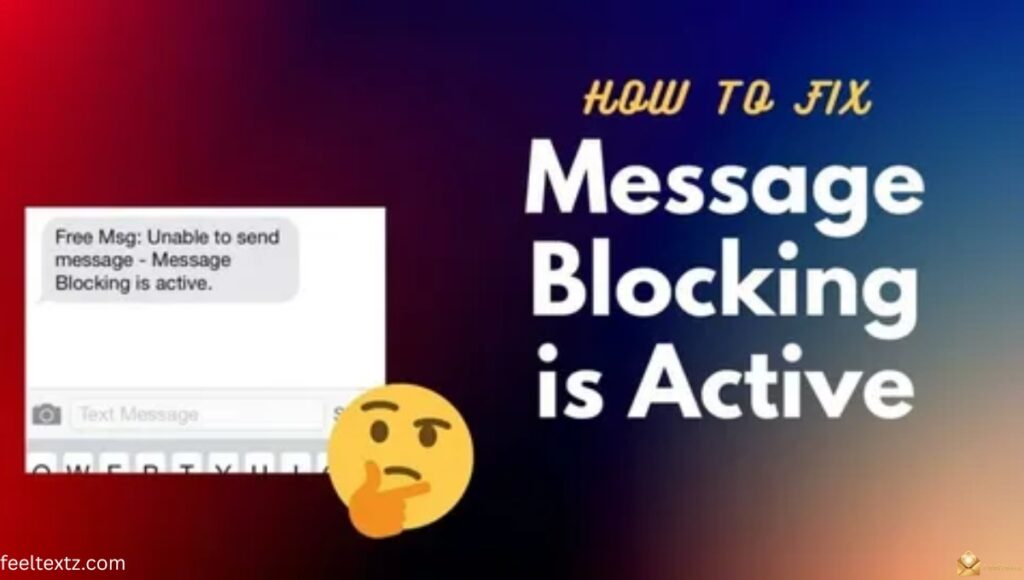
Knowing how to disable message blocking depends on your device and carrier, but the fix is usually quick.
- Log into your carrier account (app or website) and check the Message Blocking or Family Controls section
- Confirm your plan balance and billing status are current
- Restart your phone after making changes ,this refreshes the SIM connection
Turn Off Message Blocking Android
- Go to Settings > Apps > Messages > Permissions and confirm SMS access is allowed
- Turn off message blocking Android via your carrier’s app under Family Controls or Content Filters
- Reset network settings if the block persists after the carrier change
How to Turn Off Message Blocking on iPhone
- Check Settings > Messages > iMessage is toggled on
- How to turn off message blocking on iPhone via your carrier app: disable Family Allowances or content filters
- Remove message blocking by contacting carrier customer service if the setting isn’t visible in-app
Message Blocking Turned Off WhatsApp
- WhatsApp uses internet data, not SMS, so message blocking turned off WhatsApp settings are separate from carrier blocks
- If WhatsApp messages fail, check your WhatsApp privacy settings, not your carrier’s SMS controls
Carrier-Wise Message Blocking: Causes & Fixes
| Carrier | Common Cause | Quick Fix |
| T-Mobile | Family Allowances, Free Msg blocking | Turn off Message Blocking in T-Mobile account |
| Verizon | Spam filtering, blocked contact | Check Message+ settings, unblock number |
| AT&T | Premium SMS or content restriction | Disable Smart Limits / parental controls |
| Prepaid Carriers | Prepaid plan text restrictions | Reload balance or renew plan |
Still Can’t Send Texts? Other Fixes to Try
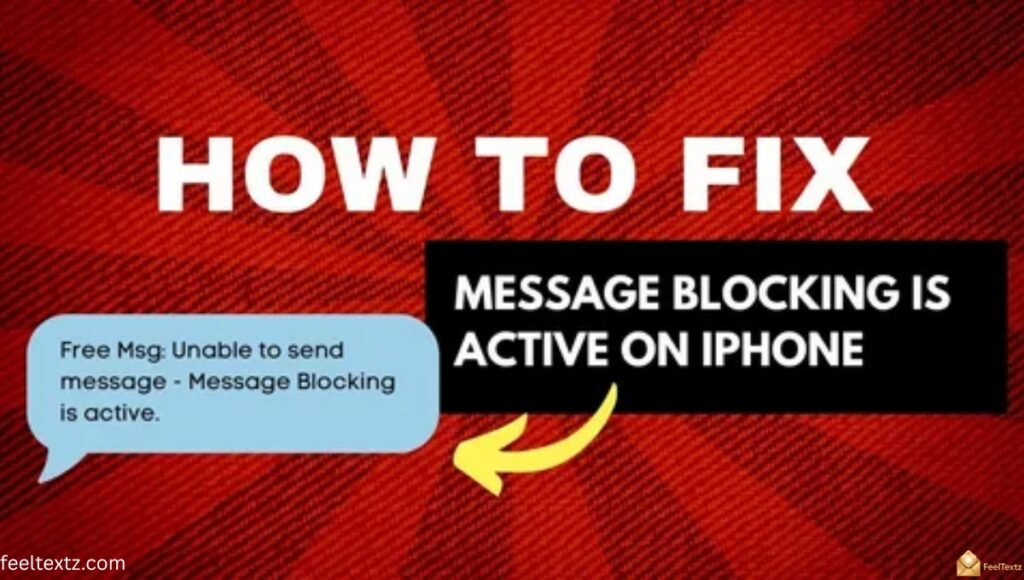
If the error is gone but messages still won’t go through, try these:
- “Why can’t I send texts to this number” ,the recipient may have you on their blocked contact list
- “Why is my text not going through” ,check for a message failed to send alert and resend
- Not delivered message blocking active can mean a temporary carrier outage ,wait and retry
- Message unable to send blocking is active often clears after a SIM reseat or reset network settings
- If messages blocking text continues, contact carrier customer service directly
- Text not delivered error on iPhone: toggle Airplane Mode on/off to refresh the connection
- To unblock text messages permanently, remove the number from your blocked list in Settings > Phone > Blocked Contacts
Frequently Asked Questions
How do I remove message blocking?
Check your carrier account settings, disable Family Allowances or content filters, then restart your phone to clear blocking completely.
Why is my iPhone saying message blocking is active?
This usually means your carrier restricted SMS/MMS on your line ,not an Apple issue. Check carrier settings first.
Why is T-Mobile saying message blocking active?
T-Mobile shows this when Family Allowances, low balance, or blocking filters are active on your account. Adjust settings to fix it.
What does message blocking mean when you text someone?
It means the carrier is stopping delivery between two numbers, often due to a blocked contact or account-level restriction.
Conclusion
Message blocking feels frustrating in the moment, but it’s rarely permanent. Most cases trace back to a simple carrier setting ,a family control, a prepaid balance, or a blocked contact. Once you know where to look, fixing it takes minutes, not hours.
Check your account, adjust the setting, restart your device, and your texts will flow again. Don’t let one error message stop you from reaching the people who matter. Sort it out today, and get back to sending the words you actually meant to send.