

You hit send. Nothing happens. Instead, your screen flashes an odd little warning: Free Msg: Unable to send message – Message Blocking is active. It’s confusing, a bit annoying, and it usually shows up at the worst possible time, right when you need to reach someone.
This guide breaks down exactly what free msg unable to send message means, why it happens on iPhone, Android, and Samsung phones, and how to fix it on carriers like T-Mobile, Mint, Ting, Metro PCS, and Tello. No jargon, just clear steps you can follow right now.
What Does “Free Msg Unable to Send Message” Mean?
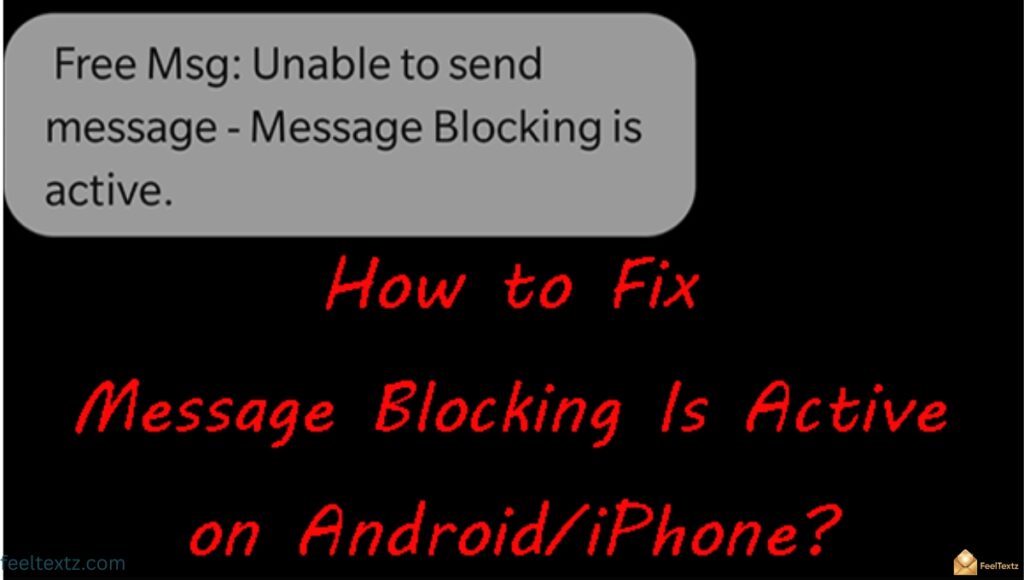
When your phone shows free msg unable to send message message blocking is active, it simply means your text failed to go through because something on the network or account side is blocking it. It’s not a virus or a broken phone, it’s a delivery restriction.
Most of the time this points to a blocked contact, an unpaid bill, or a carrier-side restriction on SMS/MMS service. The good news: it’s almost always fixable in a few minutes.
What does it mean when it says free msg unable to send?
- It means your text message error was rejected before delivery, usually due to message blocking is active on your line, your data plan, or the recipient’s block list.
What does it mean when your iPhone says free msg unable to send message message blocking is active?
- On iPhone/iOS devices, this usually points to iMessage syncing issues, a blocked contact, or a carrier-level SMS blocking setting tied to your account.
Why Am I Getting Unable to Send Message – Message Blocking Is Active
This error isn’t random, it’s almost always caused by one specific issue on your line, your recipient’s line, or your carrier’s network. Below are the most common triggers behind free msg unable to send message message blocking is active.
Once you know the cause, the fix usually takes less than five minutes. Here’s a quick breakdown:
| Reason | Quick Explanation | Common On |
| Service is down | Carrier network outage blocking cellular network connection | All carriers |
| Phone bill unpaid | Account suspended until payment clears | Prepaid & postpaid |
| Blacklists/Block list | You or the recipient has a blocked contact number | All devices |
| Premium message access disabled | Premium SMS access not enabled for paid texts | Android devices |
| Data plan issues | Current data plan excludes messaging | Data-only plans |
| Text message app restrictions | App not allowed by carrier or recipient | Third-party SMS apps |
| SIM card problems | Damaged, expired, or unregistered SIM card | All devices |
| Short code issue | Broken or inactive short code | T-Mobile subscriber accounts |
Key reasons at a glance:
- Network or service provider outage
- Unpaid phone bill
- Blacklists/Block list activity
- Premium message access disabled
- Data plan issues
- Text message app restrictions
- SIM card problems
- Short code issue (mostly T-Mobile)
Free Msg Unable to Send Message iPhone
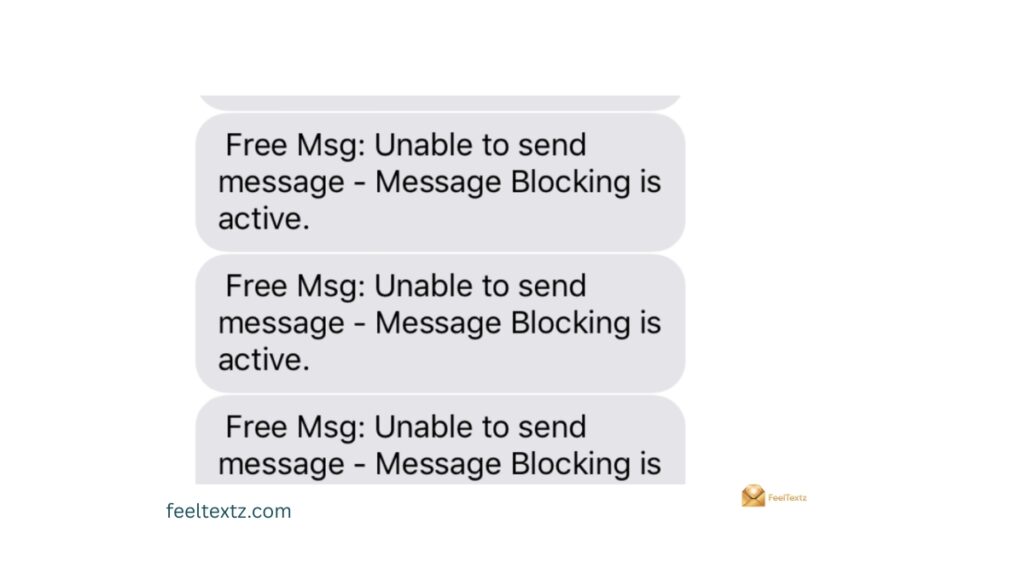
Free msg unable to send message iPhone errors usually trace back to iMessage conflicts or a blocked sender. Apple’s messaging system sometimes struggles to fall back to standard SMS when iMessage fails silently.
Before contacting support, try these quick, low-effort checks, they solve most iPhone cases without needing a technician.
- Check network coverage, low signal often blocks delivery
- Confirm the contact isn’t on your blocked numbers list
- Toggle iMessage off and back on in Settings
- Try sending a plain text message with no attachments
- Force restart device if the error repeats
- Turn Airplane mode on for 10 seconds, then off
Free Msg Unable to Send Message Android
Free msg unable to send message android and free msg unable to send message samsung users usually see this due to premium message access disabled or app-level restrictions. Android devices handle permissions differently than iPhones, so the fix path looks a little different.
Samsung and other Android phones store premium messaging permissions inside app settings, which get reset after updates more often than people expect.
- Open device settings → Apps → Special access
- Tap Enable premium SMS access for your messaging app
- Confirm send/receive text messages is toggled on
- Check for text message app restrictions from your carrier
- Verify phone number entered for the recipient is correct
- Restart your messaging app after changes
Unable to Send Message – Message Blocking Is Active T-Mobile
Unable to send message – message blocking is active t-mobile is one of the most searched versions of this error, and it also affects T-Mobile’s smaller network partners.
- T-Mobile: Often tied to unpaid balances or a short code issue
- Mint Mobile: Frequently caused by data plan issues on prepaid plans, see free msg unable to send message message blocking is active mint
- Ting: Usually a network coverage or provisioning delay, see free msg unable to send message message blocking is active ting
- Metro PCS: Commonly linked to blacklists/block list entries
- Tello: Often resolved by confirming SMS/MMS service is active on the plan
How to Turn Off Message Blocking
Knowing how to turn off message blocking means checking both your device settings and your carrier account, since either one can cause the block.
On Android:
- Go to device settings → Blocked numbers → remove contact from block list
- Confirm parental controls aren’t restricting messages
- Check mobile overlay apps aren’t intercepting SMS
On iPhone:
- Go to Phone app → Recents → tap Info icon → unblock this caller
- Confirm iMessage is toggled on under Settings
- Check for a dial tone to confirm your SIM card is active
How to Fix Free Msg Unable to Send Message Message Blocking Is Active
Here’s the complete method list for how to fix free msg unable to send message message blocking is active, covering every device and carrier scenario.
- Check your network coverage before resending
- Verify phone number for typos or missing digits
- Remove contact from block list on both ends
- Confirm your SIM card is active with a test call
- Make sure send/receive text messages is enabled in device settings
- Try a plain text message without attachments
- Enable premium SMS access if using Android
- Switch to iMessage as a workaround on iOS
- Force restart device and retry
- Contact customer service/support if nothing else works
Read Also: How to Schedule a Text Message on iPhone, Android & WhatsApp
Frequently Asked Questions
What does it mean when it says free msg unable to send?
It means your text was blocked before delivery, a common free msg unable to send message issue tied to blocking, billing, or network problems.
What does it mean when your iPhone says free msg unable to send message message blocking is active?
On iPhone, it usually signals a blocked contact, iMessage sync issue, or carrier-side SMS blocking on your account.
How to fix free message unable to send message message blocking is active?
Check block lists, confirm your bill is paid, verify SIM card status, and restart your device to resolve it fast.
Why do I keep getting a message saying “unable to send message”?
This repeats when the root cause isn’t fixed, usually a blocked contact number, unpaid bill, or data plan issues left unresolved.
Conclusion
Seeing Free Msg Unable to send message – message blocking is active feels frustrating, especially when you’re trying to reach someone important. But it’s rarely a serious problem, it’s almost always a blocked contact, an unpaid bill, a SIM card issue, or a simple network coverage gap.
Once you identify the cause, the fix takes minutes: unblock the number, confirm your plan covers messaging, or restart your device. Don’t let one error message stop you from staying connected. Work through the steps above, resend your text, and get back to the conversations that matter, one working message at a time.