

Ever typed the perfect message at 2 AM but didn’t want to send it that late? You’re not alone. Every phone today lets you write now and send later, no waiting, no forgetting.
This guide covers how to schedule a text message on iPhone, Android, Samsung, WhatsApp, and Instagram, plus the best apps and sample messages ready to copy.
How to Schedule a Text Message (Quick Method Overview)
Most phones now have a built-in “send later” option, so you rarely need a third-party text scheduling app. The steps are almost the same everywhere, write your message, hold the send button, then pick a date and time.
Here’s the general process for how to schedule a text message on any device:
- Open your messaging app and type your text
- Long-press (iPhone) or tap the clock icon (Android) near send
- Choose your preferred date and time
- Confirm, your delayed text message is now queued
How to Schedule a Text Message on iPhone
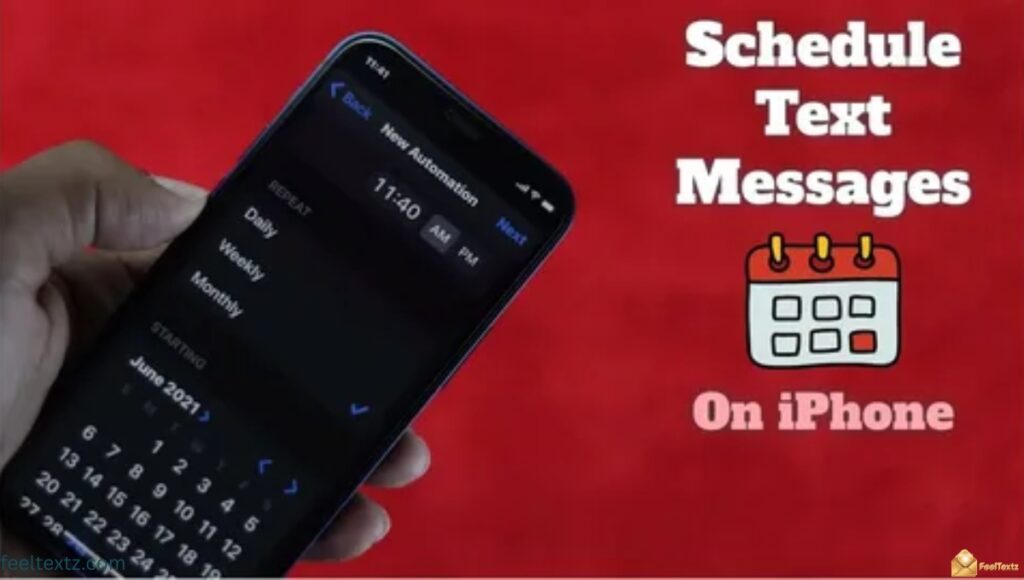
iPhone users get scheduling through the Shortcuts app since Messages doesn’t have a native delay button. It takes one extra step, but it works reliably every time.
Once set up, you can reuse the same shortcut to send a scheduled text message on iPhone whenever you need it.
Send Scheduled Text iPhone Using Shortcuts
- Open the Shortcuts app and tap “+”
- Add action “Send Message,” enter recipient and text
- Add “Wait” or set a specific date/time trigger
- Save and run, your send scheduled text iPhone shortcut is ready
How to Schedule a Text Message on iMessage
- Use the same Shortcuts method for blue-bubble iMessages
- Combine with Automations to trigger it at a set time daily
- Great for reminder texts or recurring birthday messages
How to Schedule a Text on iPhone 15
iPhone 15 doesn’t have a built-in delay option either, so the Shortcuts trick above still applies. iOS updates haven’t changed this as of 2026.
- Follow the same Shortcuts steps listed above
- Works with both SMS and iMessage threads
How to Schedule a Text on iPhone 16
iPhone 16 users follow the exact same process, Apple hasn’t added a native scheduler yet on any current model.
- Use Shortcuts or a trusted third-party SMS scheduler app
- Test the shortcut once before relying on it for important texts
How to Schedule a Text Message on Android
Android is much simpler, Google Messages has scheduling built right in. No extra app or setup required.
This makes how to schedule a text message on Android one of the fastest methods across any platform.
- Open Google Messages and type your text
- Tap and hold the send arrow
- Pick “Schedule send,” choose date/time, tap send
How to Schedule a Text on Android Without an App
- Google Messages scheduled text works natively, no app needed
- Older Android phones may need a text scheduling app instead
How to Schedule a Text Message on Samsung
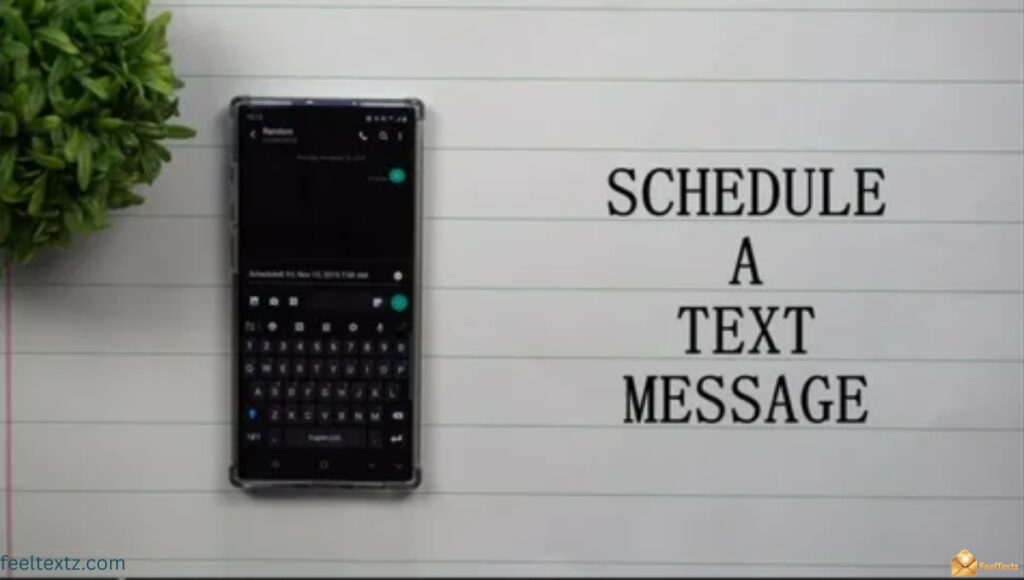
Samsung phones using the Samsung Messages app follow a similar tap-and-hold method, slightly different from stock Android.
- Open Samsung Messages, write your text
- Tap the + icon or long-press send
- Select “Schedule message,” set the time, confirm
How to Schedule a Text Message on iPhone to Android
Cross-platform scheduling works the same as sending any normal text, the scheduling method depends on your own phone, not the recipient’s.
- iPhone users: use Shortcuts as shown above
- Android users: use Google Messages’ native scheduler
- The message will arrive as SMS regardless of the recipient’s device
How to Schedule a WhatsApp Message
WhatsApp doesn’t have a native scheduler, but a workaround exists through Shortcuts (iPhone) or Google Assistant routines (Android).
How to Schedule a Text on WhatsApp
- iPhone: create a Shortcuts automation with WhatsApp link + Wait action
- Android: use a trusted scheduling app like SKEDit for automated text messages
- Always double-check the recipient’s number before confirming
How to Schedule a Text Message on Instagram
Instagram DMs also lack a built-in delay feature, so scheduling relies on third-party apps connected to Instagram.
- Use Meta Business Suite for scheduled Instagram DMs (business accounts)
- Personal accounts need a text scheduling app with Instagram integration
How to Schedule a Text Message to Send Later
Whether you call it a delayed text message or future dated text message, the goal is the same, write now, send automatically later.
- Best for birthday text scheduling, reminders, and business texting automation
- Double-check the time zone scheduled message setting if texting across regions
Best Apps to Schedule Text Messages
| App Name | Platform | Best For |
| Shortcuts (built-in) | iPhone | Free scheduled iMessages/SMS |
| Google Messages | Android | Native SMS scheduler |
| Samsung Messages | Samsung | Built-in schedule message |
| SKEDit | Android | Bulk SMS scheduling & recurring texts |
| Textra | Android | Custom scheduled SMS with themes |
| Meta Business Suite | Instagram/Facebook | Scheduled DMs for businesses |
Sample Messages You Can Schedule in Advance
- “Happy Birthday! Hope your day is as amazing as you are 🎂”
- “Just a reminder, don’t forget our meeting at 3 PM!”
- “Good morning! Wishing you a productive and happy day ☀️”
- “Thinking of you today. Sending love your way ❤️”
- “Happy anniversary! Here’s to many more years together 🥂”
Read Also: Touching Birthday Message for Husband That Come Straight From the Heart
Frequently Asked Questions
How to schedule a text in iPhone?
Use the Shortcuts app to build a “Send Message” automation with a scheduled time, this is how to schedule a text message on iPhone.
Can I schedule send an SMS text?
Yes, most Android phones let you schedule an SMS directly in Google Messages by tapping and holding the send button.
Why is there no send later option on my iPhone?
Apple hasn’t added native scheduling to Messages yet, so you’ll need the Shortcuts app to send a scheduled text message.
How do you schedule messages on messages?
On Google Messages, tap and hold the send icon, choose “Schedule send,” pick your time, and confirm.
Can I schedule a chat message?
Yes, chat apps like WhatsApp need a Shortcuts automation or third-party app since there’s no built-in scheduler yet.
How do I schedule a message on my Android?
Open Google Messages, write your text, tap and hold send, then choose your date and time.
Conclusion
Knowing how to schedule a text message means you never miss a birthday, reminder, or important moment again. Whether it’s a heartfelt note, a funny text, or a quick reminder, the right timing makes it feel personal.
iPhone, Android, Samsung, and WhatsApp users all have simple ways to plan messages ahead, no more forgetting, no more late-night sends. Pick your favorite message from above, schedule it, and let it land at exactly the right moment. Your words deserve perfect timing, go send some love.