

Your phone buzzed. You sent a message. Then you saw green instead of blue. Your stomach drops a little, right? Did they block you? Did it even go through? Sent as text message means your iPhone couldn’t deliver your message through iMessage, so it sent it as a regular SMS text over your cellular network instead.
This is why the bubble turns green instead of blue. It usually happens when the recipient isn’t using an iPhone, has no internet connection, has their phone turned off, or, less commonly, has blocked your number. Below, we cover sent as text message meaning on iPhone and Android, sent as text message blocked concerns, delivery confirmation, the green bubble color, and simple fixes.
Sent as Text Message
This label appears the moment your iPhone switches your message from iMessage to standard SMS. It’s Apple’s way of letting you know the delivery method changed, not a warning of something being wrong.
- It confirms the message left your phone through your carrier network instead of the internet.
- It does not automatically mean anything negative happened on the recipient’s end.
What Does Sent as SMS Mean?
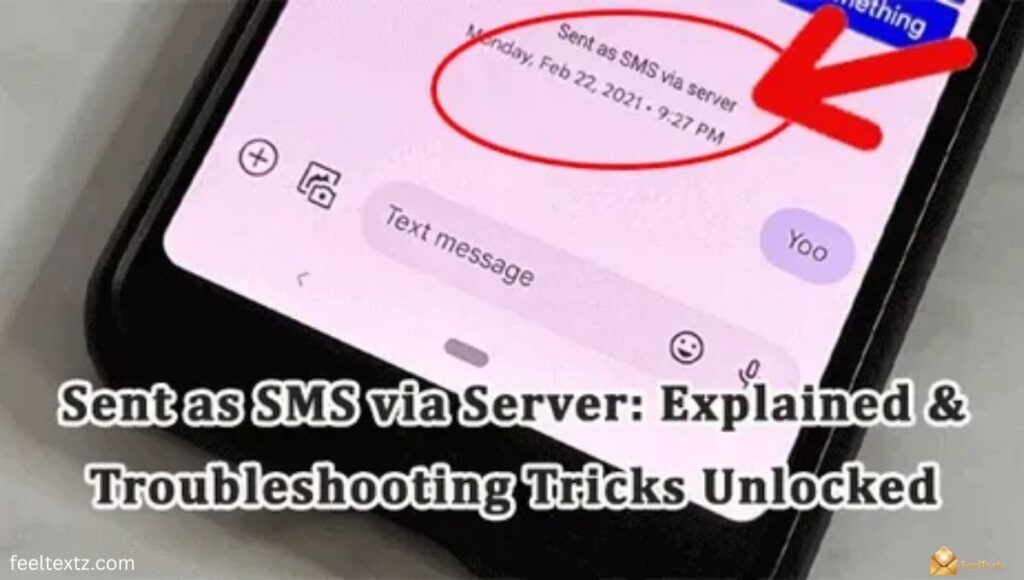
Sent as SMS simply means your text traveled the same way a phone call does, through your cellular signal, rather than through Wi-Fi or mobile data.
Sent as SMS Meaning
In plain terms, SMS is the basic texting system every phone supports, while iMessage is Apple’s internet-based upgrade. When iMessage isn’t available for any reason, your phone quietly falls back to SMS so your message still has a chance to arrive.
What Does Sent as Text Message Mean on iPhone?
On an iPhone, this message means iMessage tried first and failed, so the system automatically switched to SMS. You’ll notice the bubble color change from blue to green at the same moment.
Sent as Text Message iPhone
- Your iPhone lost its internet connection at the moment of sending.
- The recipient’s device isn’t an iPhone or has iMessage turned off.
- Apple’s servers couldn’t confirm delivery within the usual internet-based process.
Sent as Text Message Meaning (Explained Simply)
At its core, this is just a delivery-method notice. Your iPhone is telling you it used the cellular network instead of the internet to get your words across.
Sent as Text Message Meaning iPhone
It doesn’t grade the relationship or the recipient’s intentions, it only describes the technical path your message took. Think of it as a shipping label, not a verdict.
iMessage Sent as Text Message, Why It Happens
iMessage needs both sender and recipient to be online and using Apple devices. The instant one link in that chain breaks, the system reroutes through SMS automatically.
iMessage is Green and Says Sent as Text Message
- The recipient’s phone has no signal or Wi-Fi at that moment.
- Their device has been off for more than 24 hours, so Apple’s server stops holding the message.
- iMessage itself is switched off in their settings.
Sent as Text Message iMessage
Even loyal iPhone users see this occasionally, a dead zone, an airplane mode moment, or a low-battery phone is usually the simple reason.
Sent as Text Message Android
If you’re messaging an Android phone, every single message will always show as sent as text message, because Android doesn’t support iMessage at all. This is completely normal and expected, not a glitch.
- Green bubbles with Android contacts are permanent, not occasional.
- Special iMessage features like read receipts and reactions won’t work with them.
Sent as Text Message Blocked, Am I Blocked?
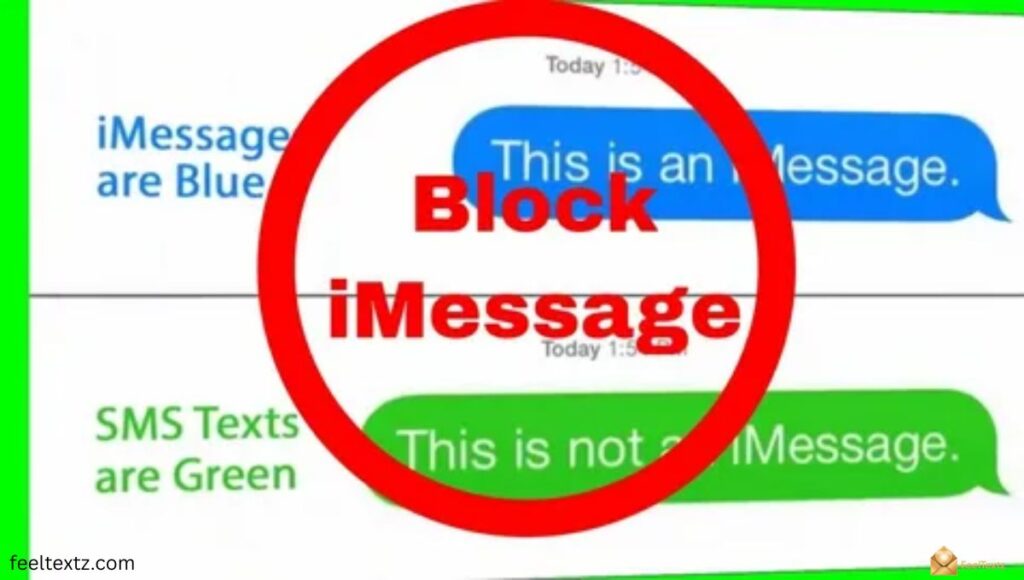
This is the question everyone actually wants answered. The honest truth: a green bubble alone is weak evidence of blocking.
If iPhone Says Sent as Text Message Am I Blocked
Not necessarily. Most of the time it’s simply a connectivity issue on their end, not a personal decision against you.
Sent as Text Message Am I Blocked
Look for a pattern, repeated green messages, no calls connecting, and no replies over days, before assuming you’ve been blocked.
Sent as Text Message Mean Blocked
By itself, this label does not confirm blocking. iOS never sends a direct “you are blocked” notice, so this is only a soft clue.
Does Sent as Text Message Mean Blocked
No, it more often means the recipient is offline, has an Android phone, or their device is off, rather than an intentional block.
iMessage Sent as Text Message Am I Blocked
If it happens with someone who always showed blue before, and it’s now consistent, blocking becomes more likely, but still isn’t guaranteed.
Sent as Text Message Did It Go Through?
Yes, in almost every case. SMS is one of the most reliable delivery methods available, since it only needs a basic cellular signal to work.
If It Says Sent as Text Message Was It Delivered
Delivery typically still happens, even without a blue “Delivered” tag underneath, because SMS doesn’t always show that same confirmation label.
Sent as Text Message vs Delivered
| Term | What It Means |
| Sent as Text Message | Message left your phone via SMS/cellular network |
| Delivered | Confirms the message reached the recipient’s device |
| Read | Recipient opened and viewed the message |
Does Sent as Text Message Mean Delivered
Usually yes, but SMS doesn’t always show a formal “Delivered” tag the way iMessage does, so the absence of that word isn’t a red flag.
Sent as Text Message Green, What the Color Means
Green is simply Apple’s built-in signal for “this went as SMS.” Blue means iMessage; green means standard text.
| Cause | What It Means | Quick Fix |
| No internet connection | Phone can’t reach iMessage servers | Reconnect to Wi-Fi or mobile data |
| Non-iPhone recipient | Android devices can’t use iMessage | No fix needed, this is expected |
| Recipient’s phone off | Apple holds message only 24 hours | Resend once their phone is back on |
| Possible block | Number restricted by recipient | Try calling or messaging another way |
How to Fix or Manage Sent as Text Message Alerts
A few quick settings checks usually solve this on your own device.
- Open Settings, tap Messages, and confirm iMessage is switched on.
- Check that Wi-Fi or mobile data is active and stable.
- Restart your iPhone if iMessage recently stopped activating.
- Toggle “Send as SMS” off if you only want internet-based messaging.
Read Also: Warm Christmas Messages, Wishes & Greetings for Everyone You Love
Frequently Asked Questions
Am I blocked if it says sent as a text message?
Not necessarily. Sent as text message usually means no internet, not a block. Check other signs first.
Am I blocked if messages are green?
Green just means SMS, not iMessage. Sent as text message doesn’t confirm blocking without other clear signs.
Does sent as SMS mean a text went through?
Yes, sent as SMS means delivery through your carrier network, separate from iMessage confirmation status entirely.
Why does it say “sent as text”?
Your iPhone couldn’t reach iMessage servers, so it fell back to standard sent as text message delivery instead.
Conclusion
Seeing sent as text message isn’t bad news, it’s just your iPhone choosing the most reliable path available. Most people asking what does sent as SMS mean are relieved to learn it usually points to a connection issue, not a block. Sent as SMS meaning comes down to one thing: your carrier network stepped in when the internet couldn’t.
Whether you’re checking sent as text message iPhone behavior or comparing it across Android, the color change is only a delivery detail. Once you understand the sent as text message meaning, those green bubbles stop feeling stressful. Send your next message with confidence, it almost always gets there.