

You type a message. You hit send. Nothing happens. Instead, a strange line pops up: “message blocking is active.” So what does message blocking is active mean, really? It simply means your carrier or your device is stopping an SMS from going through.
This guide covers the message blocking is active meaning, what does message blocking mean in plain terms, and why iphone message blocking is active or message blocking is active iphone errors show up so often. We’ll also walk through Android, Samsung, T-Mobile, and MetroPCS cases, plus every fix you can try today.
What Does Message Blocking Is Active Mean
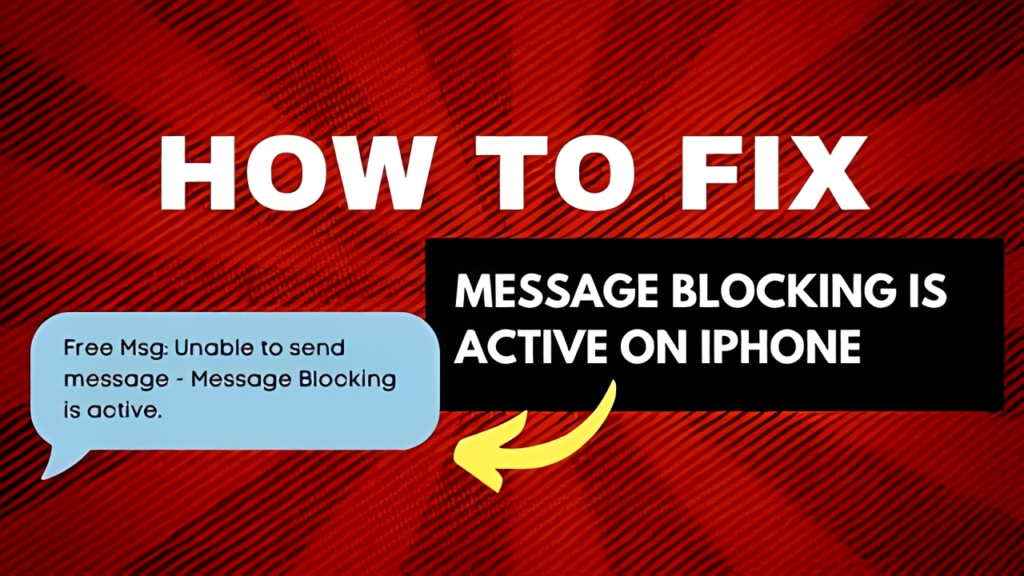
In simple words, this error means your carrier has blocked outgoing or incoming SMS messages on the number you’re texting, or on your own line. It is a network-level block, not a bug in your phone.
This is different from someone simply ignoring your text. Message blocking is active usually points to an account, plan, or carrier restriction rather than a personal choice by the recipient.
Message Blocking Is Active Meaning in Everyday Terms
Think of it as a locked gate between two phones. The message delivery error stops your SMS before it even leaves the network, so the recipient never sees it, and you get an instant bounce-back notice instead.
What Does Message Blocking Mean for Your Account
At the account level, this usually ties back to carrier restrictions, unpaid bills, account restrictions, or a plan that doesn’t include SMS messaging blocked features by default. Data-only plans are a common example of mobile plan limitations.
Common Causes Behind Message Blocking Is Active
Most cases come down to a handful of repeat offenders. Knowing the cause saves you time before you even start troubleshooting.
Here’s what typically triggers this SMS not going through problem across carriers and devices.
- Blocked numbers or contacts on either side
- Carrier restrictions due to spam flagging on your line
- Unpaid bills or other account status issues
- Parental controls limiting SMS on a shared plan
- Short code issues affecting two-factor authentication (2FA) texts
- Incorrect APN settings or Access Point Name configuration
- Temporary service outages or network disruptions
- Wrong SMSC number (Short Message Service Center) on Android
What Does Message Blocking Is Active Mean on iPhone
On iPhone, this message delivery error usually shows up when iMessage fails and the device tries to fall back to SMS, but the carrier stops it. It often looks like a red exclamation mark next to the text.
The good news is that most iphone message blocking is active cases are fixable in under five minutes using built-in settings.
iPhone Message Blocking Is Active: Quick Checks
- Check Settings > Messages > Blocked Contacts for the number
- Turn on Send as SMS under Messages settings
- Disable Wi-Fi Calling under Settings > Phone
- Confirm account status with your carrier app
What Does Message Blocking Active Mean in iMessage
Inside iMessage specifically, message blocking active mean your iPhone couldn’t deliver through Apple’s servers, so it tried SMS instead, and the carrier rejected that fallback due to account or network settings.
What Does Message Blocking Is Active Mean on Android
On Android, this error is closely tied to device configuration, especially APN settings and the Messages app cache. Google Messages message blocking is active alerts are common after a software update or SIM swap.
Clearing minor glitches usually resolves message blocking is active android without needing to contact support.
Turn Off Message Blocking Android
- Open Settings > Network & Internet > SIM > Wi-Fi Calling and disable it
- Go to Settings > Apps > Messages > Storage & Cache and clear cache
- Reset APN settings under Network & Internet > APN
- Restart phone after applying changes
Google Messages Message Blocking Is Active
If the alert appears specifically inside Google Messages, it’s often a cache or SMSC number issue rather than a permanent carrier block, so a quick app cache clear is worth trying first.
What Does Message Blocking Is Active Mean on Samsung
Samsung devices run stock Android messaging with an extra layer of carrier-specific settings, so message blocking is active samsung errors often need an APN reset through the Samsung Messages app menu.
Fixing Message Blocking Is Active Samsung
- Check blocked numbers list inside Samsung Messages settings
- Reset APN settings via Connections > Mobile Networks
- Confirm SMSC number matches your carrier’s default
- Test network coverage by toggling airplane mode
What Does Message Blocking Is Active Mean on T-Mobile
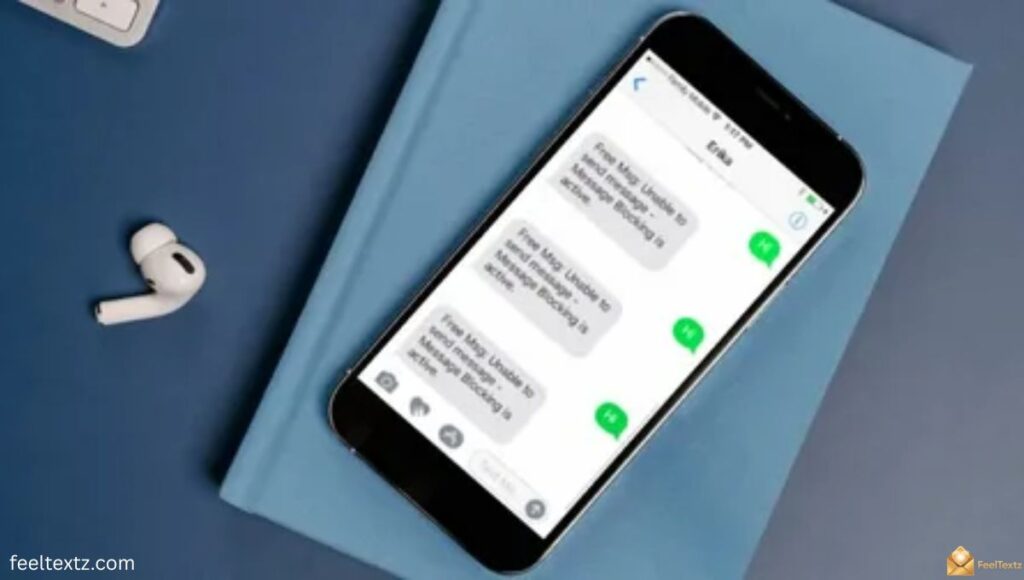
T-Mobile is one of the carriers most associated with this alert, especially the exact line “unable to send message – message blocking is active t-mobile.”
This usually means the number has SMS restrictions enabled, either from account settings, a Family Mode restriction, or unpaid balance flags.
Unable to Send Message – Message Blocking Is Active T-Mobile
- Log into the T-Mobile app and check account status
- Review parental controls or Family Allowances settings
- Contact mobile carrier support to confirm any spam flagging
- Ask about SMSC number +12063130004 if using a T-Mobile-based network
Free Msg: Unable to Send Message – Message Blocking Is Active
This “Free Msg” version is an automated carrier bounce-back, not a real text from the recipient. It confirms the network itself rejected delivery before it reached the other phone.
What Does Message Blocking Is Active Mean MetroPCS
MetroPCS runs on T-Mobile’s network, so metropcs message blocking is active errors follow similar rules around account status and mobile plan limitations.
MetroPCS Message Blocking Is Active: What To Check
- Confirm your MetroPCS bill is current
- Check for any short code issues tied to 2FA services
- Reach out to customer support for reliable mobile carrier confirmation
What Does Message Blocking Is Active Mean When You Text Someone
If this only happens with one contact, the block is likely tied to that specific number rather than your whole line, so it points to blocked numbers or a plan restriction on their end.
What Does Message Blocking Is Active Mean in a Group Chat
In a group chat, one blocked or restricted number can disrupt delivery for everyone in the thread, since carriers sometimes treat group SMS as a single bundled message.
What Does Message Blocking Is Active Mean: How to Fix
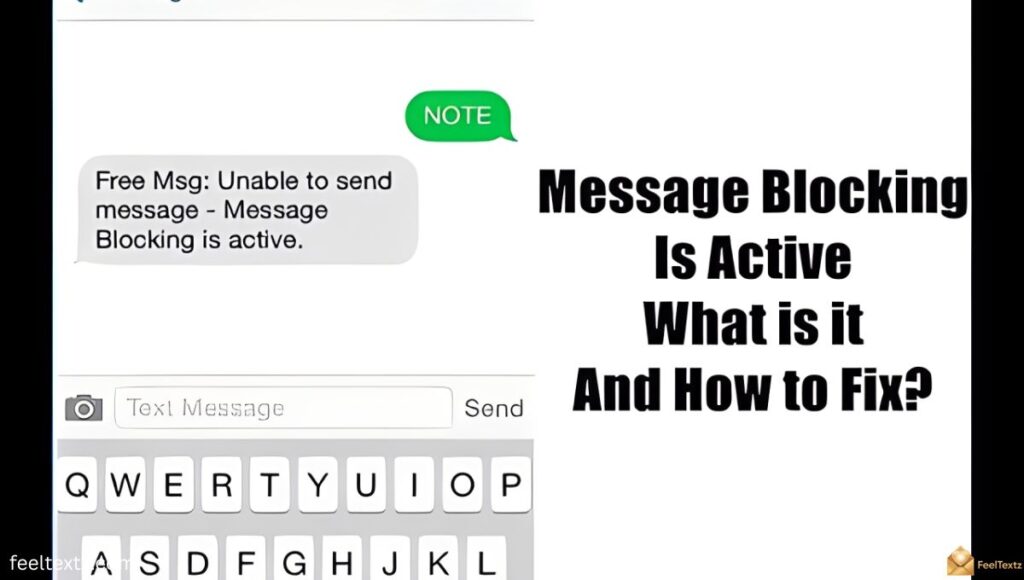
Once you understand the cause, fixing it usually takes a short checklist rather than a full carrier switch.
How to Fix Message Blocking Is Active
- Restart phone and recheck signal strength or network coverage
- Review your blocked numbers list on both devices
- Reset APN settings and clear Messages app cache
- Confirm account status and resolve any unpaid bills
- Contact mobile carrier support if the issue continues
Causes and Fixes by Platform
| Cause | Common On | Quick Fix |
| Blocked numbers/contacts | iPhone, Android, Samsung | Check blocked list, unblock number |
| Account restrictions/unpaid bills | T-Mobile, MetroPCS, Mint Mobile | Confirm account status, pay balance |
| APN/SMSC misconfiguration | Android, Samsung | Reset APN settings |
| Wi-Fi Calling conflict | iPhone, Android | Disable Wi-Fi Calling |
| Network disruptions/service outages | All carriers | Wait or contact customer support |
| Short code/2FA issues | T-Mobile, Boost Mobile | Contact carrier about short code |
Preventing Message Blocking Is Active in the Future
A few habits keep this messaging service disruption from returning. Staying ahead of it is easier than fixing it repeatedly.
Keep these in mind for long-term messaging reliability.
- Keep your account in good standing with on-time payments
- Install regular software updates on your device
- Practice basic network monitoring after SIM or plan changes
- Choose a reliable mobile carrier with clear support policies
- Follow good security practices to avoid spam flagging
Read Also: How to Recall Message in Outlook (Every Version Explained)
Frequently Asked Questions
Does message blocking active mean they blocked you?
Not always. What does message blocking is active mean here is usually a carrier or account restriction, not a personal block by the recipient.
How to fix message blocking is active?
Check blocked numbers, reset APN settings, clear the Messages app cache, confirm account status, then contact your carrier if it persists.
Why is my iPhone telling me message blocking is active?
Your iPhone shows this when iMessage fails and SMS fallback gets rejected by the carrier due to account or network settings.
How do I know if someone is blocking my messages?
Test sending to another contact. If only one number fails, that explains what does message blocking is active mean for that specific chat.
Conclusion
So, what does message blocking is active mean? It simply signals that your carrier, account, or device settings are stopping an SMS from going through, not that someone personally blocked you. The message blocking is active meaning changes slightly across iPhone, Android, T-Mobile, and MetroPCS, but the fixes stay similar: check blocked numbers, reset APN settings, confirm your account status, and reach out to support when needed.
Once you understand what does message blocking mean for your specific device, most cases resolve within minutes. Keep your account current and your settings updated, and this error rarely returns.