

Your thumb moved faster than your brain. The message is gone. Now you’re panicking, refreshing the app, hoping for a miracle. If you’re asking why can’t i unsend a message right now, you’re not alone, this happens on iPhone, Android, Gmail, Instagram, and Messenger every single minute.
The short answer: once a message reaches the other person’s device or server, it’s technically already delivered, and most apps only hide it rather than truly erase it. Below, we break down the exact reason for every major platform, plus what actually happens behind the scenes when you hit “unsend.”
Why Can’t I Unsend a Message?
At its core, unsending isn’t real deletion, it’s a message retraction request sent after the fact. Because most apps rely on real-time messaging and instant push notification delivery, the recipient’s device often already has a copy before your “delete” request even arrives.
This is why undo send works only in short windows, and why some platforms show “this message was deleted” instead of removing it completely.
Message Already Delivered = Message Already Sent
Once message delivery confirmation appears, the data has left your control. The app can request the other device to hide it, but it can’t guarantee server-side deletion everywhere it was cached, screenshotted, or backed up.
Can’t Unsend Message iPhone – Here’s Why
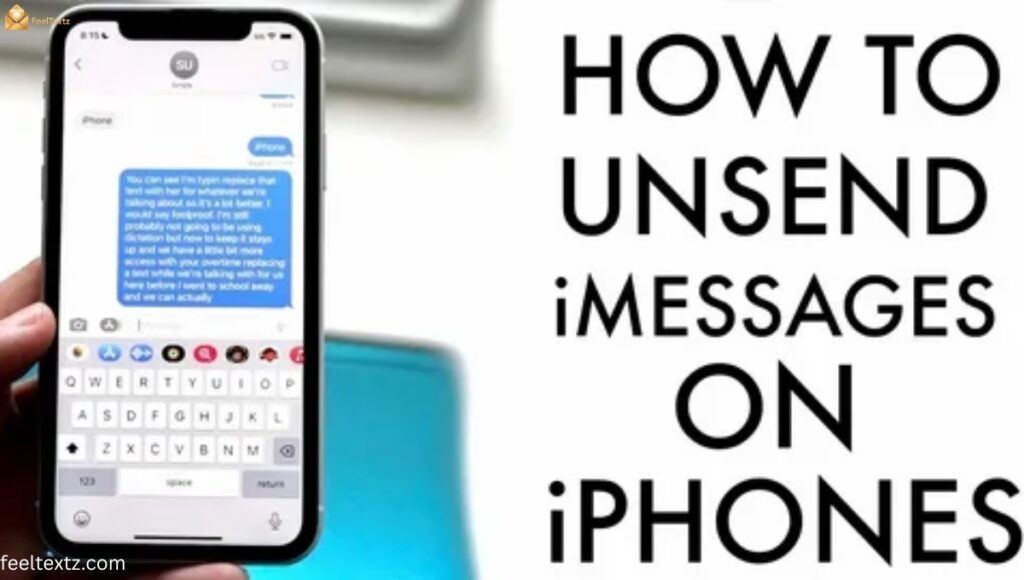
Apple’s Messages app lets you unsend, but only under strict conditions. If both people don’t have iMessage active, or too much time has passed, the option disappears completely.
This limitation exists because of local vs. cloud storage, once a message syncs to iCloud or another device, retracting it everywhere isn’t instant or guaranteed.
Why Can’t I Unsend a Message on iPhone?
- It only works for blue bubble iMessages, not green SMS texts
- The recipient must be on iOS 16 or later
- After the time limit, the option is removed from the menu entirely
Why Can’t I Unsend an iMessage?
Unsend iMessage only functions within Apple’s own ecosystem, using end-to-end encryption to send a special “delete” instruction to the recipient’s device.
If the person already read it, took a screenshot, or their phone was offline, the retraction simply won’t apply everywhere.
Why Can’t I Unsend a Message on iMessage After 2 Minutes?
Apple sets a strict two-minute window for editing and a slightly longer one for unsending. This exists because of network latency, after that point, Apple assumes the message has already synced across every connected device.
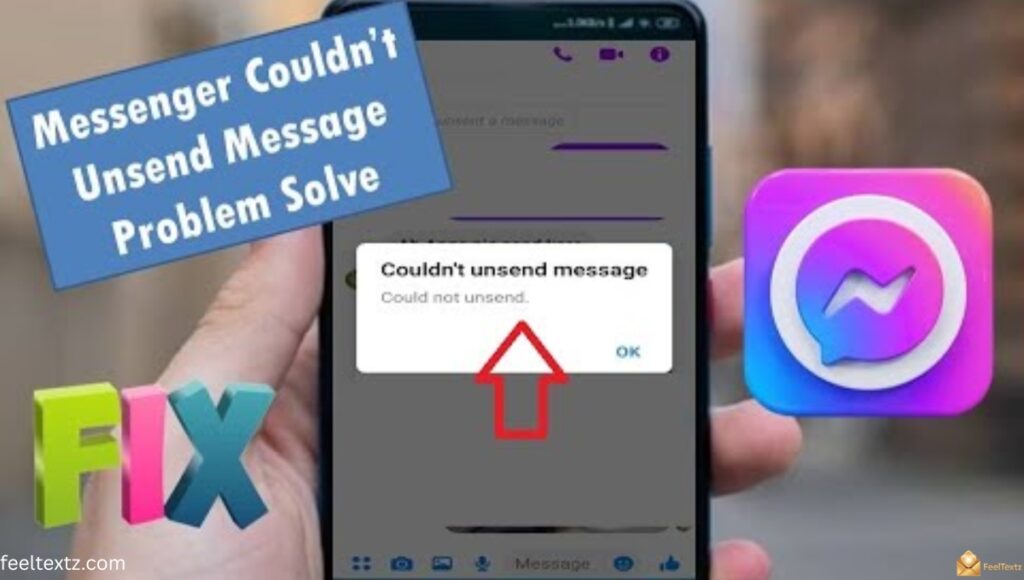
Why Can’t I Unsend a Message on Messenger?
Facebook Messenger unsend removes the message from the chat thread, but it doesn’t undo the fact that a read receipt may have already been triggered.
Meta also keeps some logs for safety and moderation purposes, which is part of why “unsend” never means 100% permanent erasure.
Why Can’t I Unsend a Message on Instagram?
Instagram DM unsend works instantly on the surface, but the person may have already seen a notification preview on their lock screen before you deleted it.
This is a classic case of app permission limitations, Instagram can control its own chat window, but not your recipient’s notification history.
Why Can’t I Unsend a Message on Android?
Unsend text message Android support depends entirely on the app you’re using, Google Messages offers a short-window delete, but standard SMS recall across carriers simply doesn’t exist.
This comes down to carrier network restrictions, since regular texts aren’t routed through a central server the way app-based chats are.
Why Can’t I Unsend a Message on TikTok?
TikTok DMs currently offer limited or no unsend option in many regions, and even where available, it follows the same rule: once seen, it’s seen.
Screenshots and third-party recording tools make true retraction impossible, no matter what the app interface shows you.
Can I Unsend a Text Message?
Traditional SMS was never built with deletion in mind, it’s one of the reasons why texts can’t be recalled the same way app messages can.
This is a core SMS protocol limitation from the technology’s original 1990s design, long before privacy features were ever considered.
Unsend Gmail After 10 Minutes – How It Works
Gmail undo send isn’t magic, it simply delays your email from actually leaving the outbox for a few seconds, up to a maximum of 30.
Despite the popular search term “unsend gmail after 10 minutes,” Google’s real limit tops out much lower, so don’t rely on it for anything sent hours ago.
How to Unsend an Email in Gmail After a Day
Once a day has passed, there’s no native undo option left. Your only real move is sending a polite follow-up or correction email.
Recall Email in Gmail After 1 Hour
Gmail has no built-in recall feature after the short undo window closes. Unlike Outlook, it cannot pull a message back from someone’s inbox once delivered.
Unsend Email Outlook – Does Recall Actually Work?
Outlook recall message only works within the same organization’s Microsoft Exchange server, and only if the recipient hasn’t opened it yet.
If they’re using Gmail, a phone app, or already read it, the recall silently fails, and they usually still get a notification about it.
Unsend/Recall Time Window by Platform
| Platform | Unsend Window | Works for Both Sides? |
| iMessage | ~2 minutes (unsend), 15 min (edit) | Only if both use iOS 16+ |
| Up to ~1 hour (Delete for Everyone) | Yes, if within window | |
| Messenger | Up to ~10 minutes | Yes, message hidden |
| Instagram DM | A few minutes | Yes, but not notifications |
| Gmail | Up to 30 seconds | Yes, before it sends |
| Outlook | Until recipient opens it | Same organization only |
| SMS/Android | Not supported natively | No |
This table reflects general platform behavior; features can vary by app version and region.
WhatsApp delete for everyone remains one of the more reliable options, though it still leaves a “this message was deleted” notice behind, proof that true message retraction rarely means invisible erasure.
What to Say When You Wish You Could Unsend a Message
Sometimes the window closes before you can act. Here are quick, honest follow-ups you can send instead:
- “Sorry, ignore that last message, wrong context!”
- “Oops, that wasn’t meant for you. My bad!”
- “Please disregard my last text, I hit send too soon.”
- “Sorry for the confusion, let me explain what I meant.”
- “That message sent by mistake, please delete it on your end too.”
Read Also: Engagement Congratulations Messages & Wishes for Every Relationship
How to Prevent Sending Mistakes Next Time
A little friction before you tap send can save a lot of stress later. Try these simple habits:
- Turn on a short undo send delay in your email settings
- Re-read messages before sending, especially group chats
- Double-check the recipient name, not just the first letter
- Avoid sending sensitive messages when distracted or in a rush
- Use drafts for anything emotional, send after a pause
These habits matter because of one simple truth: prevent message mistakes is always easier than trying to fix an accidentally sent message after the fact, especially when a message sent to wrong person can’t always be undone.
Frequently Asked Questions
How do I unsend an already sent message?
Open the chat, hold the message, and tap “unsend” or “delete for everyone” if available. This explains why can’t i unsend a message everywhere, the option depends entirely on the app and time window.
Why is Instagram not letting me unsend a message?
The time window may have passed, or the recipient already opened the DM. This is part of why can’t i unsend a message on Instagram specifically.
Why can’t I unsend a message on iMessage after 2 minutes?
Apple’s unsend window is strictly two minutes by design. After that, why can’t i unsend a message on iMessage comes down to Apple assuming full device sync.
Why can’t we unsend messages on Messenger?
Messenger’s window is short, and once read receipts trigger, Meta considers the message already seen and delivered.
Conclusion
At the end of the day, why can’t i unsend a message comes down to timing, technology, and trust between servers and devices. Every platform, iMessage, Messenger, Instagram, Gmail, Outlook, offers only a small undo send window because true deletion across every device isn’t guaranteed.
Understanding these limits helps you act fast when it matters, and choose your words a little more carefully next time. Mistakes happen to everyone, and a simple honest follow-up message always works better than panic. Pause before you send, and when you do hit send, mean it.