

Your thumb slipped. The wrong screenshot went to the wrong chat. Now you’re staring at your phone, heart racing, wondering if there’s any way back.
You can breathe. Instagram unsend exists for exactly this moment, and this guide covers how it works, whether it notifies the other person, and what happens before and after a message is seen.
Unsend Instagram Message: Quick Answer
Yes, you can unsend a message on Instagram in both DMs and group chats. It works on text, photos, videos, voice notes, GIFs, stickers, and reactions.
There is no strict time limit, so you can remove a message minutes or even days later. That’s the basic meaning of unsend instagram message, though the details below matter just as much as the action itself.
How to Unsend a Message on Instagram
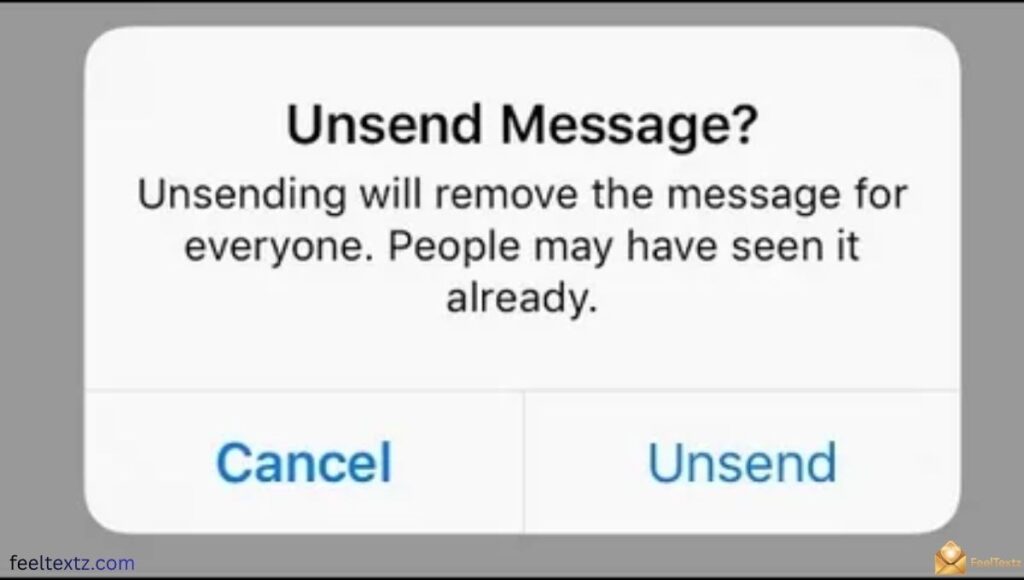
Unsending an Instagram message takes just a few taps, and the steps are the same on both iOS and Android.
- Open your Instagram DMs and select the chat with the message
- Find the exact message you want gone
- Long-press message to open the options menu
- Tap “Unsend” from the list that appears
The message disappears from the conversation thread instantly, and there’s no “message removed” label left behind.
How to Unsend a Message on Instagram to Someone You Don’t Follow
The process is identical even if you don’t follow the recipient. As long as the message sits in your chat history, whether it landed in their inbox or their message request folder, you can still long-press message and select unsend.
How to Unsend Instagram Message All at Once
There’s currently no built-in bulk option to unsend every Instagram message or unsend all Instagram message threads in one tap. You still need to open each conversation and remove messages one by one.
Does Instagram Notify When You Unsend a Message?
No, Instagram does not send a direct alert telling the recipient you removed something. There is no popup, no banner, and no visible flag inside the chat saying a message was taken back.
That said, timing plays a bigger role than most people expect, especially around push notifications and read receipts, which we cover next.
Does Unsending a Message on Instagram Notify Them?
To be clear: does unsending a message on Instagram notify them directly? No. But if their notification tray was open when you acted, they may notice the banner vanish in real time, sometimes called the “notification ghost” effect.
Unsend Instagram Message Notification and Lock Screen Preview
If push notifications are turned on, a lock screen preview may show part of your message before you unsend it. On some setups, an Apple Watch sync can even hold onto that preview a little longer than the phone itself.
What Happens to a Message When You Unsend It on Instagram?
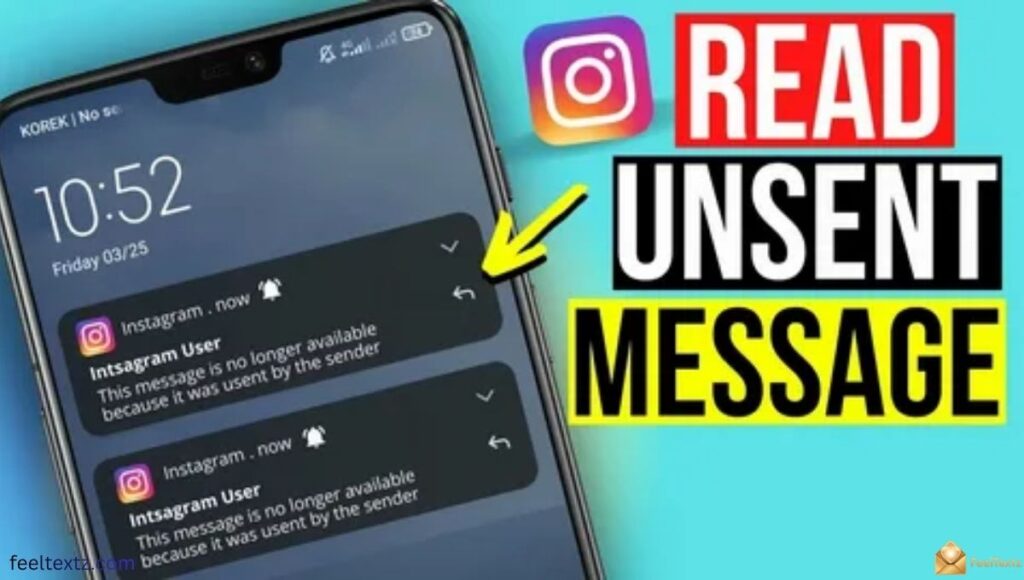
If you unsend instagram message content, it disappears from the visible chat history for everyone in that thread, including group chat visibility for every member, not just one person.
Nothing is left behind on your side either. There’s no draft, no trace, and no way to recover it once it’s gone.
Unsend Instagram Message Meaning in Group Chats
In a group chat, the same rule applies to all members at once. The catch is that busy groups have more eyes online, so the chances someone reads it before you unsend instagram message content go up.
Can Someone See if You Unsend an Instagram Message?
Someone can still know what you sent if they read it, saw a push preview, or captured a screenshot before you acted. Unsending removes the message from the thread, but it can’t undo something already viewed.
Read receipts matter here too. If a message shows as “Seen,” the recipient opened it, and unsend instagram message action afterward won’t erase that memory.
Unsend Instagram Message Before It’s Seen vs After Seen
- Before seen: the message disappears with almost no trace, and the recipient likely never knows it existed
- Unsend Instagram message after seen still removes it from the chat, but the person already read the content
Unsend Instagram Message Both Sides
The removal is mutual. Once you unsend instagram message content, it’s gone from the thread on both sides, your device and theirs, at the same time.
Unsend Instagram Message Time Limit
How long can you unsend instagram message content? There isn’t a hard cutoff. As long as the message still exists in the conversation, you can remove it, whether that’s minutes or days later.
The real limit isn’t time, it’s visibility. The longer a message sits there, the higher the odds it’s already been read, screenshotted, or reported before you get to it.
Unsend Instagram Message: Scenario Breakdown
| Scenario | Does It Notify Them? | Can They Still See It? |
| Before it’s opened | No alert sent | Usually no, unless a push preview showed |
| After it’s seen | No alert sent | Yes, they already read it |
| In a group chat | No alert sent | Anyone online may have seen it |
| After a screenshot | No alert sent | Yes, the screenshot remains |
| Inside a message request | No alert sent | Depends if they opened the request |
Common Unsend Instagram Message Problems
Sometimes things don’t go as planned, and a few recurring issues come up across forums and support threads.
- Unsend instagram message not working after a poor connection or app glitch
- Trying to unsend deleted instagram message content that’s already gone from the thread
- Attempting to unsend unread instagram message content inside a pending request
- Frustration when you can’t unsend instagram message sent from an old, unsupported app version
Why Can’t You Unsend a Message on Instagram to a Celebrity
Verified or high-traffic accounts often use automated inboxes or filters, so even after you unsend instagram message content, an automated system may have already logged it before removal.
Unsend Instagram Message Request
Messages sent as a request follow the same rule. You can still long-press message and unsend it, but if the recipient already opened the request folder, they may have seen it first.
Unsend Instagram Message vs Vanish Mode
Vanish Mode is Instagram’s built-in alternative for people who unsend messages often. Swipe up in any one-on-one chat, and the background turns dark to confirm it’s active.
Messages, photos, and links sent in Vanish Mode disappear automatically once seen and the chat is closed. Unlike a standard DM, Instagram also sends a screenshot notification if someone captures the screen during Vanish Mode.
| Feature | Standard DM Unsend | Vanish Mode |
| Manual action needed | Yes | No, auto-disappears |
| Screenshot notification | No | Yes |
| Time limit | None | Disappears after chat closes |
| Privacy settings control | Basic | Built for private, temporary chats |
Unsend Instagram Message App and Download Options
There is no separate unsend instagram message app or download required. The feature is built directly into the official Instagram app, so no third-party tool is needed or recommended for this.
A quick note for iPhone users: unsend iMessage is a different, Apple-only feature for text messages and works separately from Instagram’s own system.
What People Say on Reddit
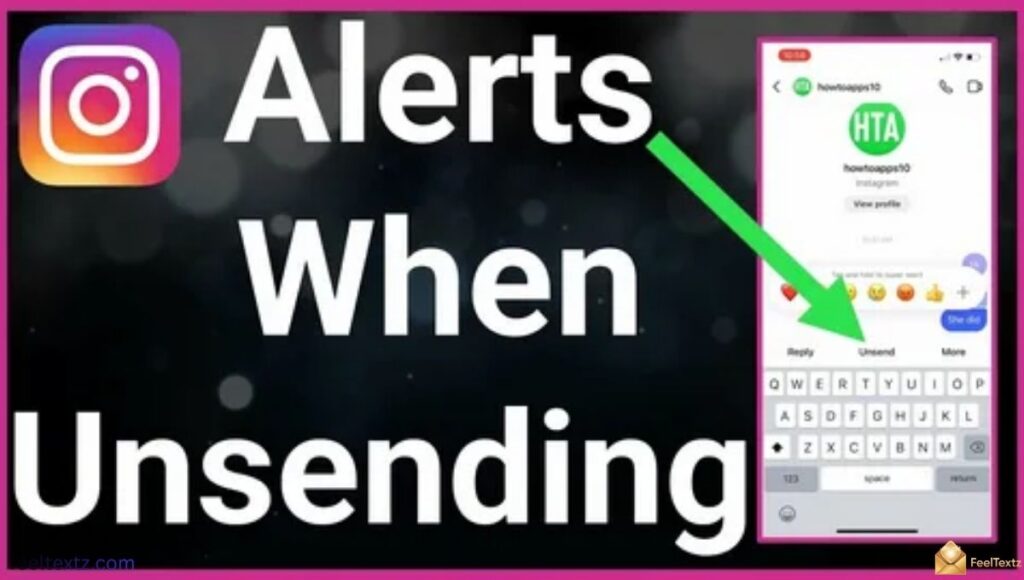
Search unsend instagram message reddit or unsending instagram message reddit, and a common thread comes up repeatedly: users confirming there’s no notification, but warning that screenshots and read receipts are the real risk, not the unsend action itself.
Frequently Asked Questions
What happens to a message when you unsend it on Instagram?
It disappears from the chat for everyone involved. There’s no visible trace left, though the sender also loses any way to recover it later.
Can someone see if you unsend a message?
Only if they already read it, saw a notification preview, or took a screenshot beforehand. Otherwise, they typically won’t know it existed.
When you delete a message on Instagram, will the other person see it?
If you delete it for yourself only, it stays visible to them. If you unsend instagram message content, it’s removed for both sides.
Does Instagram DM unsend?
Yes, Instagram DMs fully support unsending across text, photos, videos, and voice notes, with the message removed from the entire conversation thread.
Can you unsend a message on Instagram?
Can you unsend messages on Instagram? The simple answer to this question is YES.
Read Also: Best Engagement Card Message Ideas for Every Relationship in 2026
Conclusion
Sending something you regret happens to everyone, and Instagram gives you a genuine way to fix it. Unsend instagram message content anytime, with no strict deadline, and know that no direct notification gets sent to the other person.
What can’t be undone is a message already seen, previewed, or screenshotted, so speed still matters more than the button itself. For frequent slip-ups, Vanish Mode offers a safer, built-in alternative with screenshot alerts included.
Pick the option that fits the moment, act quickly when it counts, and send your next message with a little more confidence.